A community for the repair bench. Since 2022.LAPTOP + DESKTOP BOARD REPAIR
Advertisement
Service · EC / KBC unlock Unlock MEC17xx, Nuvoton & ITE with a BIOS patch
  • BIOS patch method
  • Private check
  • For verified owners & repair technicians
Chat on WhatsApp +92 328 0493988 · Replies on WhatsApp
Service · Dell BIOS password Dell master BIOS codes from your System Number
  • Suffixes 8FC8 CF1B 3FE2 9ABE 1B58 E7A8
  • Private check
  • For verified owners & repair technicians
Chat on WhatsApp +92 328 0493988 · Replies on WhatsApp

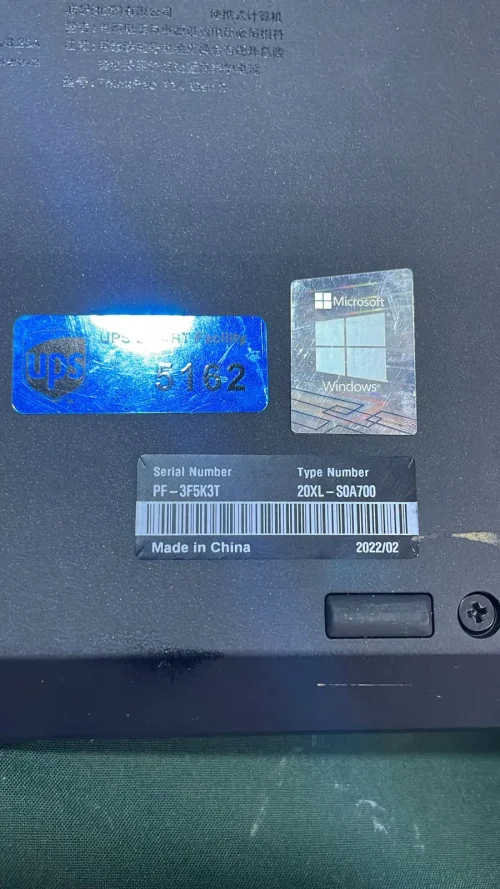
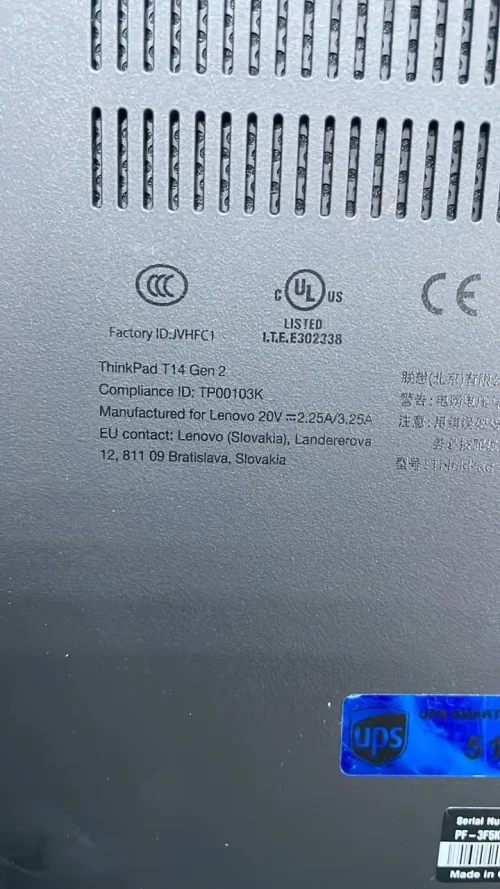
T14 Gen 2 (Type 20XK, 20XL) Laptop (ThinkPad) - Type 20XLNM-D451 BIOS,SCHEMATIC,BOARDVIEW

Search files by board code
Browse all 33,263 files →
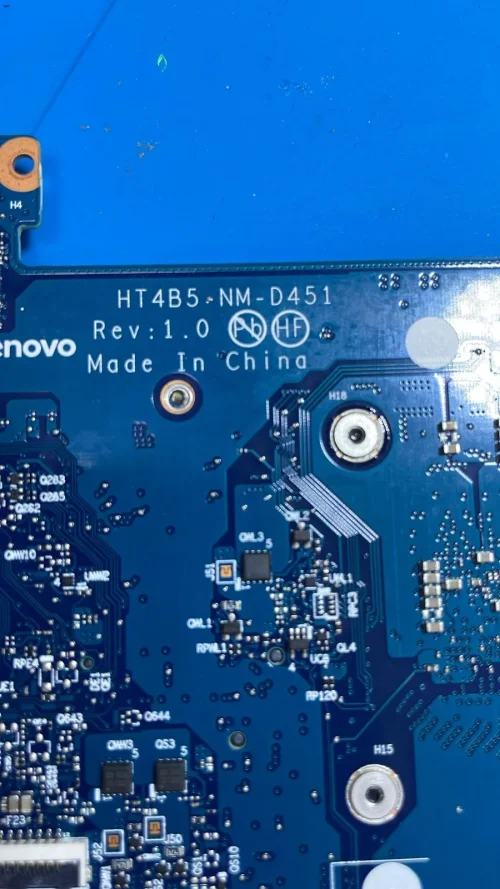
ThinkPad T14 Gen 2 NM-D451
BIOS Schematics
Lenovo Thinkpad T14s Gen 2 AMD
NM-D451.pdf
NM-D451 BoardView.pdf
ITE 1MB.
NM-D451 KB_pins=40 FLASH=1004 LEFT DOWN 05MM PD0=7 PD1=13 PD2=11 PD3=14 PD4=10 PD5=17 PD6=15 PD7=16 BUSY=20 STB=9 AFD=6 INIT=8 SLIN=1 KSI4=5 KSI5=12 IT5679VG-1M
 
About this board

This thread is for the T14 Gen 2 (Type 20XK 20XL) Laptop (ThinkPad) Type 20XLNM-D451.

Compare the board number printed on the PCB (near the RAM slots or under the battery) with the files before you flash.

Files listed for this board
  • BIOS (full SPI chip dump, .bin)
  • Schematic (PDF)
  • Boardview (.brd / .bdv / .cad)

Common cases: dead board after an interrupted BIOS update, ME region errors, missing serial number or UUID after a board swap, or a password lock.

Back up the original dump first — it contains machine-specific data (serial, UUID, MAC, ME), and you will want it if anything goes wrong.

Have a tested file for this board? Reply below and help the next technician. Looking for something else? Search all files in the File Finder.

Attachments

T14 Gen 2 (Type 20XK, 20XL) Laptop (ThinkPad) - Type 20XLNM-D451  BIOS,SCHEMATIC,BOARDVIEW – 12 T14 Gen 2 (Type 20XK, 20XL) Laptop (ThinkPad) - Type 20XLNM-D451  BIOS,SCHEMATIC,BOARDVIEW – 22
ITE 5679VG-1M.bin
1,004 KB · Views: 75

NM-D451 BoardView.pdf
352.5 KB · Views: 74

NM-D451 Computrace Patch.rar
12.1 MB · Views: 108

NM-D451.pdf
3.2 MB · Views: 70

Hi!
I have SVOD4, RT809H, Vertyanov Jig. I can read the first 256K of IT5679 with SVOD4. There is the option to set 1024K, I set it but it reads only 256K. Any idea how to read the full 1024K content?
 
beyes said:
Hi!
I have SVOD4, RT809H, Vertyanov Jig. I can read the first 256K of IT5679 with SVOD4. There is the option to set 1024K, I set it but it reads only 256K. Any idea how to read the full 1024K content?
Use vertynov programmer will read 100%
 
admin7 said:
beyes said:
Hi!
I have SVOD4, RT809H, Vertyanov Jig. I can read the first 256K of IT5679 with SVOD4. There is the option to set 1024K, I set it but it reads only 256K. Any idea how to read the full 1024K content?
Use vertynov programmer will read 100%
 
beyes said:
admin7 said:
beyes said:
Hi!
I have SVOD4, RT809H, Vertyanov Jig. I can read the first 256K of IT5679 with SVOD4. There is the option to set 1024K, I set it but it reads only 256K. Any idea how to read the full 1024K content?
Use vertynov programmer will read 100%

Do you have original vertyanov successor?
if you dont have contact PM will guide you.
 
It appears that SVOD4 reads only 256K by default of the IT5679, even if it is configured to 1024K. Attempt to verify software limits, other read modes, or employing RT809H/Vertyanov Jig for full dump extraction.
 
It appears that SVOD4 reads only 256K by default of the IT5679, even if it is configured to 1024K. Attempt to verify software limits, other read modes, or employing RT809H/Vertyanov Jig for full dump extraction.
Yes vertyanov or Successor both support or read 1024kb
 

Make PKBIOSFIX part of your bench.

Professional resources. Shared experience. A stronger repair community.

Explore PRO
Back
Top