A community for the repair bench. Since 2022.LAPTOP + DESKTOP BOARD REPAIR
Advertisement
Service · EC / KBC unlock Unlock MEC17xx, Nuvoton & ITE with a BIOS patch
  • BIOS patch method
  • Private check
  • For verified owners & repair technicians
Chat on WhatsApp +92 328 0493988 · Replies on WhatsApp
Service · Dell BIOS password Dell master BIOS codes from your System Number
  • Suffixes 8FC8 CF1B 3FE2 9ABE 1B58 E7A8
  • Private check
  • For verified owners & repair technicians
Chat on WhatsApp +92 328 0493988 · Replies on WhatsApp

Programmer Successor Base 2 Available

Search files by board code
Browse all 33,247 files →
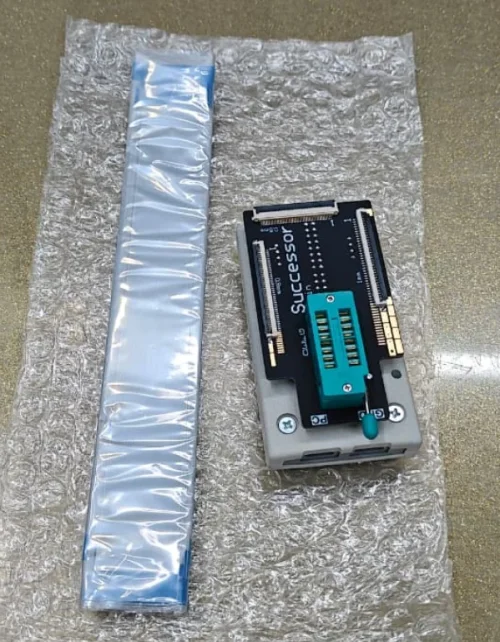
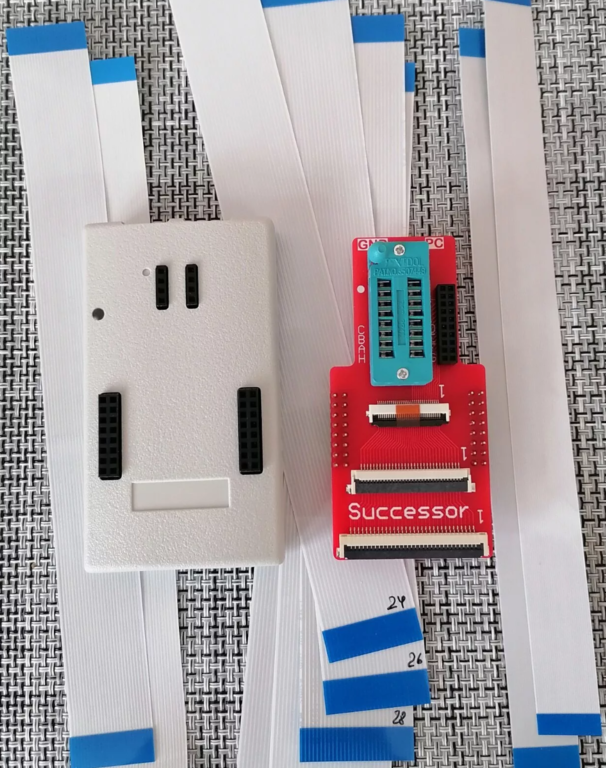
Programmer Successor Base 2 Available – 1707510800397Programmer Successor Base 2 Available – 1707511139816
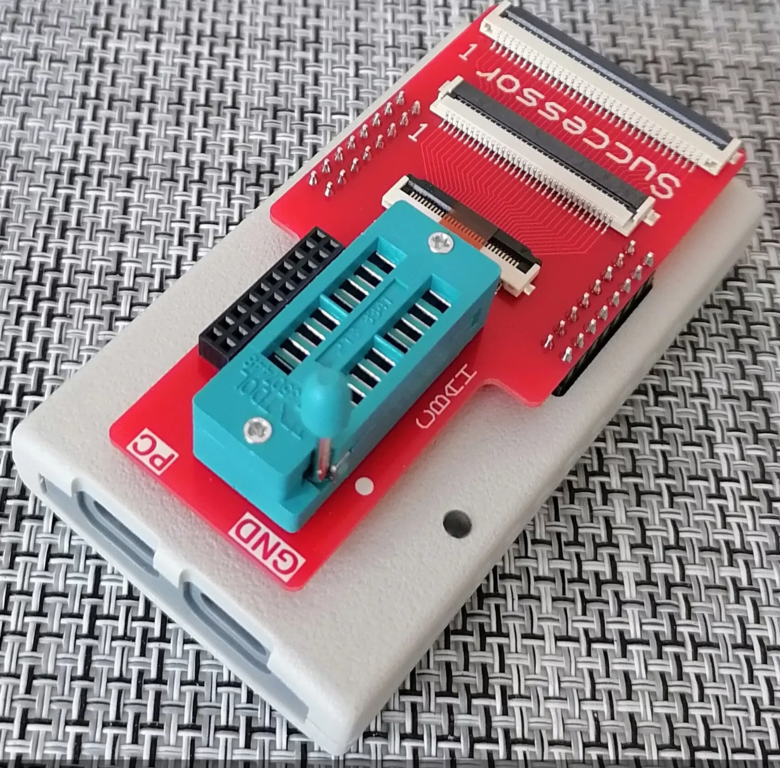
Programmer Successor Base 2 for SPI FLASH memory and EC firmware
Programmer successor base 3 for SPI FLASH memory and EC firmware

Dilevery available all over the world Contact on Whatsapp: +923280493988​

 
About this board

Files for the Programmer Successor Base 2 Available motherboard.

Compare the board number printed on the PCB (near the RAM slots or under the battery) with the files before you flash.

Files usually needed for this board
  • BIOS (full SPI chip dump, .bin)
  • EC / KBC firmware, if the board uses a separate EC chip
  • Schematic (PDF)
  • Boardview (.brd / .bdv / .cad)

Usually needed when the laptop powers on with a black screen after a BIOS update, is stuck in a boot loop, or is locked with a BIOS password.

Before flashing, always read and save the original chip. It holds the serial number, UUID, MAC address and ME data for that exact machine.

Have a tested file for this board? Reply below and help the next technician. Looking for something else? Search all files in the File Finder.

Last edited:
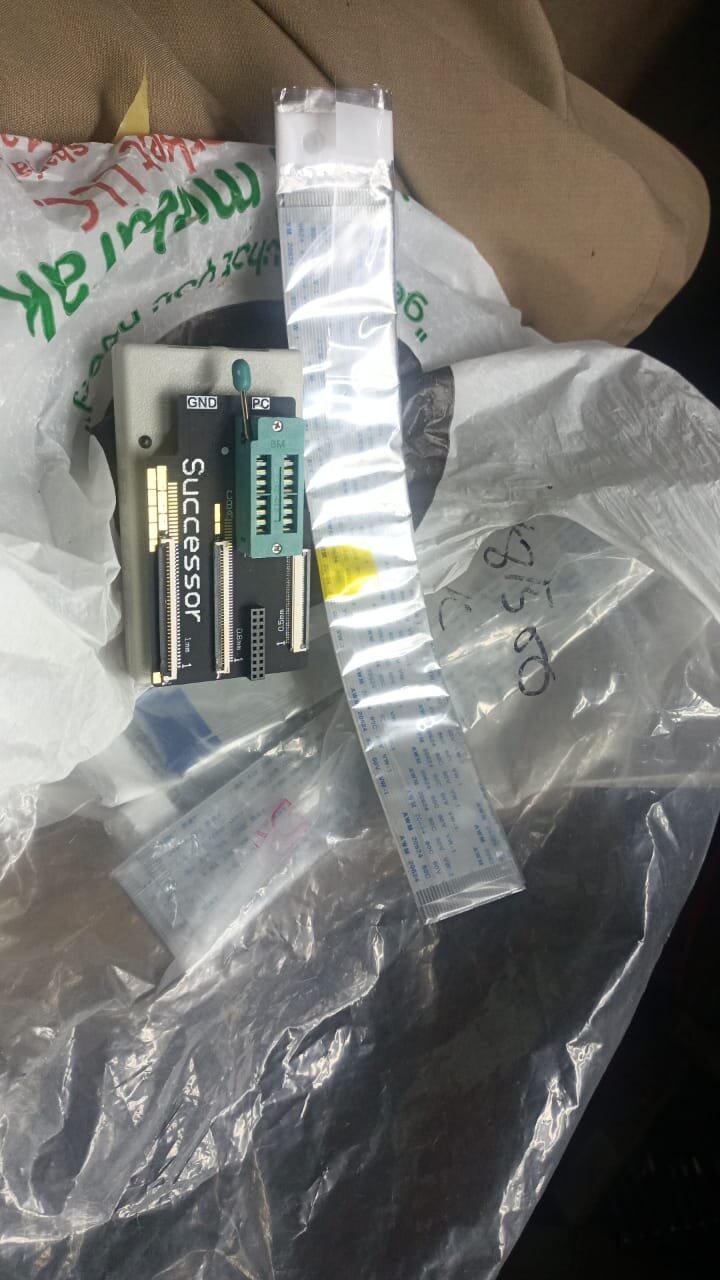
I purchased successor base 3 from you i need software for this programmer
if you are using the programmer for the first time, then you need to do the following:
1 Connect programmer to PC
2 Run the file AUTO_driver_X86_X64_install.bat and wait.
The driver is installed once.
3 If you are asked about installing the driver - confirm.
4 The Jungo Connectivity folder will appear in the device manager,
and in it there are two devices named:
WinDriver1400
SUCCESSOR
5 Now you can run the program and work.
 

Attachments

SUCCESSOR BASE 3 SOFTWARE.rar
5.5 MB · Views: 32

Hey i purchased this successor base 4 programmer and today i received it. Thank you admin and all team.
Now i want to install latest software please upload latest software here
 

Attachments

Programmer Successor Base 2 Available – 1771322500584
Hey i purchased this successor base 4 programmer and today i received it. Thank you admin and all team.
Now i want to install latest software please upload latest software here
if you are using the programmer for the first time, then you need to do the following:
1. Connect programmer to PC
2. Run the file AUTO_driver_X86_X64_install.bat and wait.
The driver is installed once.
3. If you are asked about installing the driver - confirm.
4. The Jungo Connectivity folder will appear in the device manager,
and in it there are two devices named:
WinDriver1400
SUCCESSOR
5. Now you can run the program and work.
 

Attachments

SUCCESSOR BASE 4 17.6 31-1-26.rar
10.1 MB · Views: 10

if you are using the programmer for the first time, then you need to do the following:
1. Connect programmer to PC
2. Run the file AUTO_driver_X86_X64_install.bat and wait.
The driver is installed once.
3. If you are asked about installing the driver - confirm.
4. The Jungo Connectivity folder will appear in the device manager,
and in it there are two devices named:
WinDriver1400
SUCCESSOR
5. Now you can run the program and work.
Thanks working ok
 

Make PKBIOSFIX part of your bench.

Professional resources. Shared experience. A stronger repair community.

Explore PRO
Back
Top