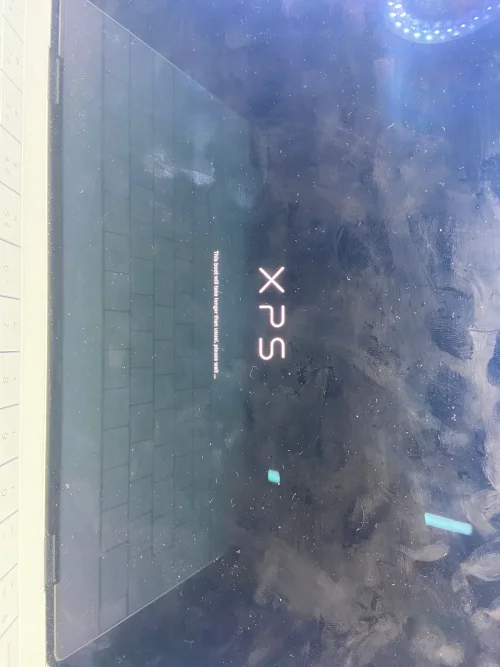
Dell XPS 13 9340 JDP30 LA-L723P
64MB BIOS
64MB BIOS
About this board
Files for the Dell XPS 13 9340 JDP30 motherboard, board number LA-L723P.
The board was manufactured by Compal for Dell. Compal board numbers start with LA- and end in P, so you can confirm it on the PCB silkscreen.
Files usually needed for this board
- BIOS (full SPI chip dump, .bin)
- EC / KBC firmware, if the board uses a separate EC chip
- Schematic (PDF)
- Boardview (.brd / .bdv / .cad)
Usually needed when the laptop powers on with a black screen after a BIOS update, is stuck in a boot loop, or is locked with a BIOS password.
Back up the original dump first — it contains machine-specific data (serial, UUID, MAC, ME), and you will want it if anything goes wrong.
If you have a working file for this board, please share it below. More files: search LA-L723P in File Finder.
Attachments
Dell XPS 13 9340 JDP30 LA-L723P.rar
14.1 MB · Views: 12
14.1 MB · Views: 12