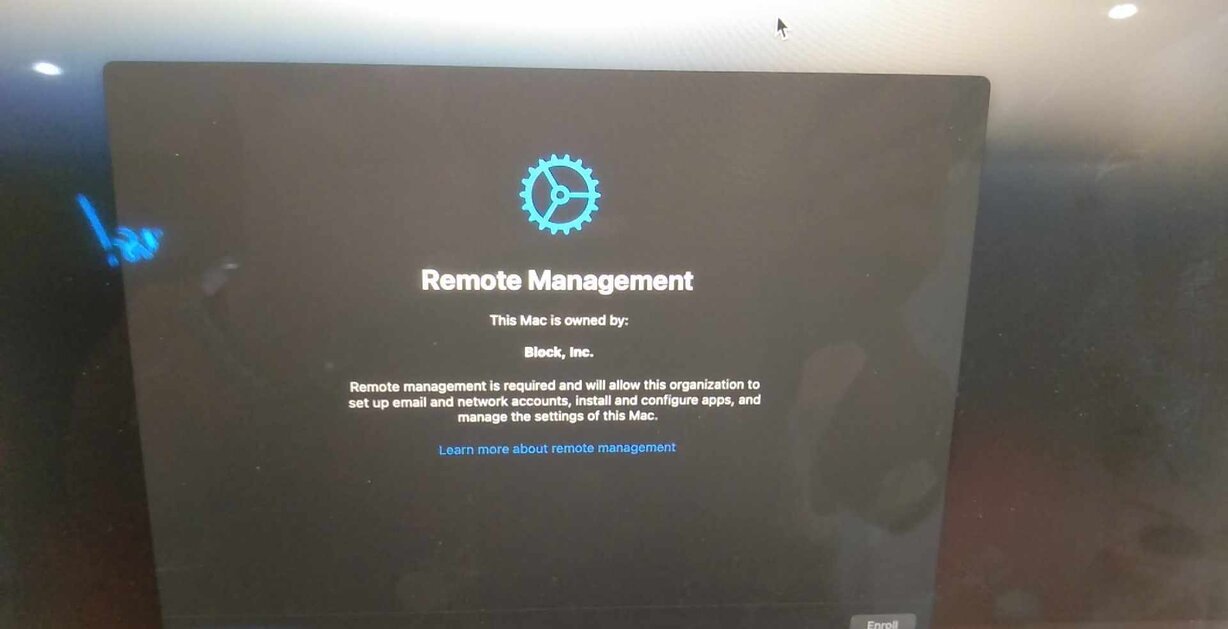
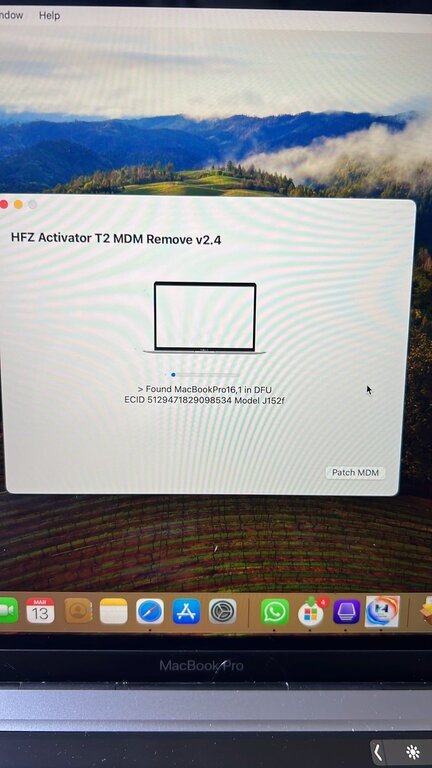
Macbook T2 MDM Permanant Remove Via Tool
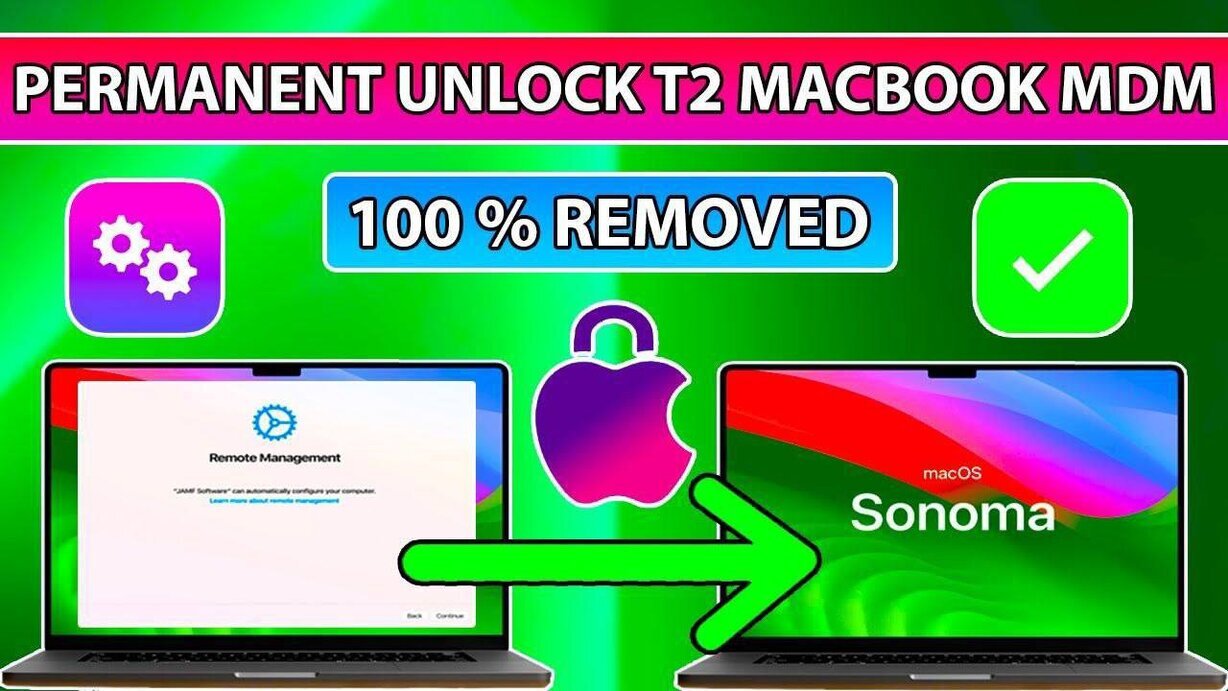
 One Click
Auto SN Changed
No need to backup and modifie

 Permanently Remove MDM
Remote Management Lock on T2 MacBooks/iMacs/Mac Mini on Latest Sonoma & Latest iBridgeOS 8.x
 More information:
 Works on Any iBridgeOS/Latest MacOS Update. /Eras /Restore
Full Unlock
Compatible All T2 Mac Models:
iMac (Retina 5K, 27-inch,2020)
iMac Pro
Mac Pro (2019)
Mac Pro (Rack, 2019)
Mac mini (2018)
MacBook Air (Retina, 13-inch, 2020)
MacBook Air (Retina, 13-inch, 2019)
MacBook Air (Retina, 13-inch, 2018)
MacBook Pro (13-inch, 2020, Two Thunderbolt 3 ports)
MacBook Pro (13-inch, 2020, Four Thunderbolt 3 ports)
MacBook Pro (16-inch,2019)
MacBook Pro (13-inch,2019, Two Thunderbolt 3 ports)
MacBook Pro (15-inch,2019)
MacBook Pro (13-inch,2019, Four Thunderbolt 3 ports)
MacBook Pro (15-inch,2018)
MacBook Pro (13-inch,2018, Four Thunderbolt 3 ports)
Tool link: https://bit.ly/3xgFbrx
One ClickAuto SN ChangedNo need to backup and modifie Permanently Remove MDMRemote Management Lock on T2 MacBooks/iMacs/Mac Mini on Latest Sonoma & Latest iBridgeOS 8.x
More information:Works on Any iBridgeOS/Latest MacOS Update. /Eras /RestoreFull Unlock
Compatible All T2 Mac Models:
iMac (Retina 5K, 27-inch,2020)
iMac Pro
Mac Pro (2019)
Mac Pro (Rack, 2019)
Mac mini (2018)
MacBook Air (Retina, 13-inch, 2020)
MacBook Air (Retina, 13-inch, 2019)
MacBook Air (Retina, 13-inch, 2018)
MacBook Pro (13-inch, 2020, Two Thunderbolt 3 ports)
MacBook Pro (13-inch, 2020, Four Thunderbolt 3 ports)
MacBook Pro (16-inch,2019)
MacBook Pro (13-inch,2019, Two Thunderbolt 3 ports)
MacBook Pro (15-inch,2019)
MacBook Pro (13-inch,2019, Four Thunderbolt 3 ports)
MacBook Pro (15-inch,2018)
MacBook Pro (13-inch,2018, Four Thunderbolt 3 ports)
Tool link: https://bit.ly/3xgFbrx
About this board
This thread is for the Macbook T2 MDM Permanant Remove Via Tool.
Compare the board number printed on the PCB (near the RAM slots or under the battery) with the files before you flash.
Files usually needed for this board
- EFI firmware (full SPI ROM dump)
- Schematic (PDF)
- Boardview (.brd / .bdv / .cad)
Typical reasons to reflash: no boot or no chime after a firmware update, a firmware (EFI) password lock, or a corrupted ROM after liquid damage.
Back up the original dump first — it contains machine-specific data (serial, UUID, MAC, ME), and you will want it if anything goes wrong.
If you have a working file for this board, please share it below. More files: search Macbook T2 MDM Permanant Remove Via Tool in File Finder.
Last edited: