A community for the repair bench. Since 2022.LAPTOP + DESKTOP BOARD REPAIR
Advertisement
Service · EC / KBC unlock Unlock MEC17xx, Nuvoton & ITE with a BIOS patch
  • BIOS patch method
  • Private check
  • For verified owners & repair technicians
Chat on WhatsApp +92 328 0493988 · Replies on WhatsApp
Service · Dell BIOS password Dell master BIOS codes from your System Number
  • Suffixes 8FC8 CF1B 3FE2 9ABE 1B58 E7A8
  • Private check
  • For verified owners & repair technicians
Chat on WhatsApp +92 328 0493988 · Replies on WhatsApp

BIOS Lenovo Legion5 Pro - 16IAH7H - NM-E231 REVA0

Laptops and Desktop Bios, Schematic and Boardview Files And Repairing Discussion
Search files by board code
Browse all 33,263 files →
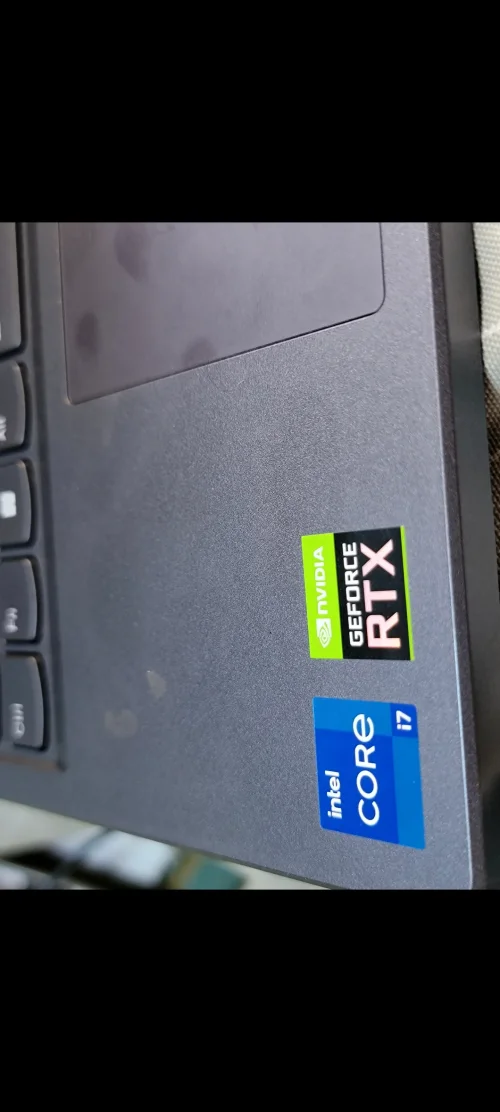
Lenovo Legion5 Pro 16IAH7H NM-E231 REVA0 Bios
NS-E232.tvw
NS-E231.tvw
NM-E231 REV2.0.tvw
NS-E233.tvw
NS-E234.tvw
Sensor.pdf
USB.pdf
NM-E231 - REVA0.pdf
 
About this board

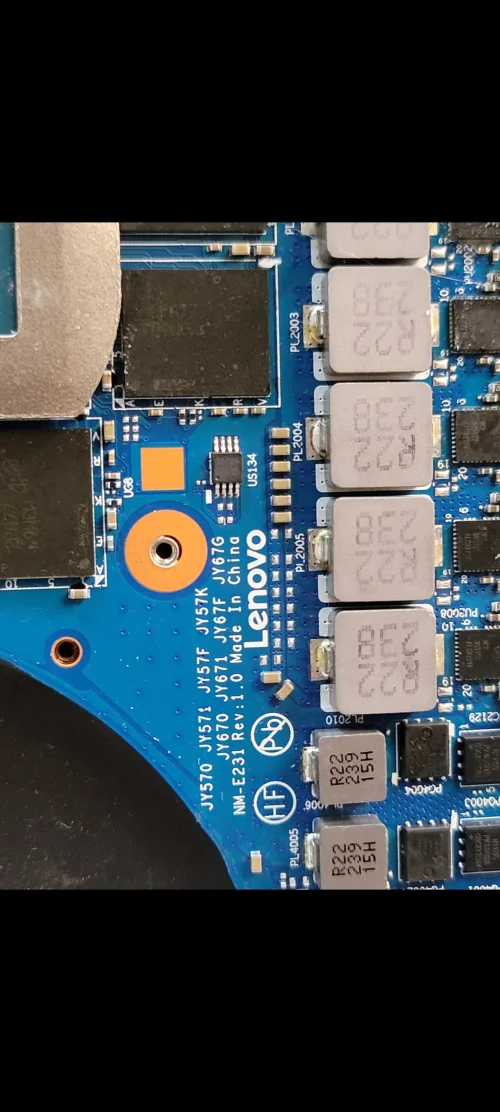
This thread is for the Lenovo Legion5 Pro 16IAH7H with main board NM-E231.

The board was manufactured by LCFC for Lenovo. LCFC (Lenovo/Compal) board numbers start with NM-, so you can confirm it on the PCB silkscreen. This listing is for revision A0; another revision of the same board can need a different file.

Files usually needed for this board
  • BIOS (full SPI chip dump, .bin)
  • EC / KBC firmware, if the board uses a separate EC chip
  • Schematic (PDF)
  • Boardview (.brd / .bdv / .cad)

Common cases: dead board after an interrupted BIOS update, ME region errors, missing serial number or UUID after a board swap, or a password lock.

Before flashing, always read and save the original chip. It holds the serial number, UUID, MAC address and ME data for that exact machine.

Have a tested file for NM-E231? Reply below and help the next technician. Looking for something else? Search all files in the File Finder.

Attachments
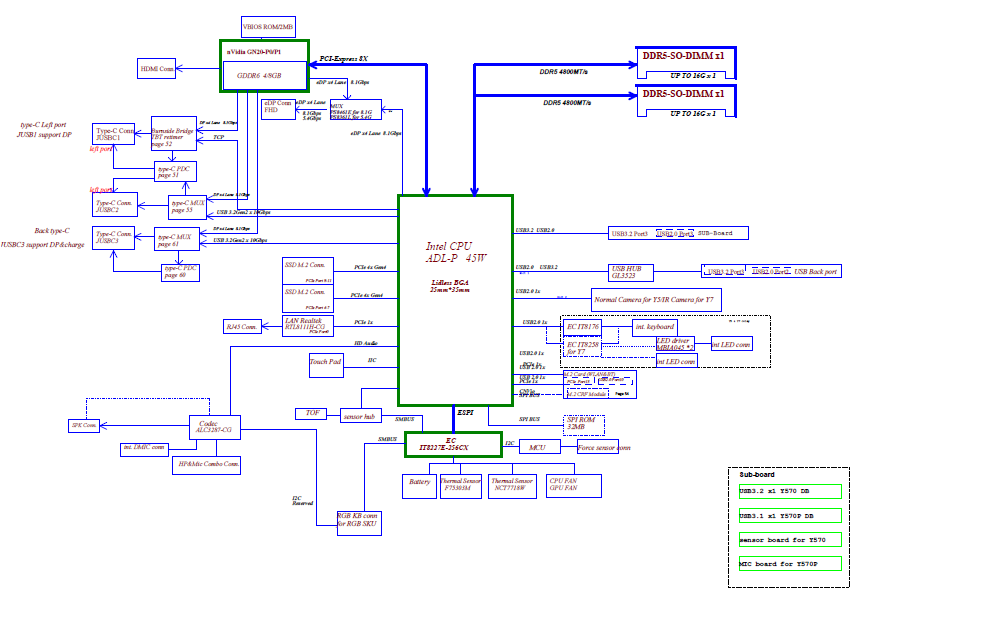
Lenovo Legion5 Pro - 16IAH7H - NM-E231 REVA0 – 1717671421885
NM-E231 - REVA0.pdf
2.4 MB · Views: 20

USB.pdf
211.9 KB · Views: 12

Sensor.pdf
116.4 KB · Views: 12

J2CN46WW Bios.zip
6.5 MB · Views: 18

8MB.zip
2 MB · Views: 16

Archiv.zip
3.9 MB · Views: 17

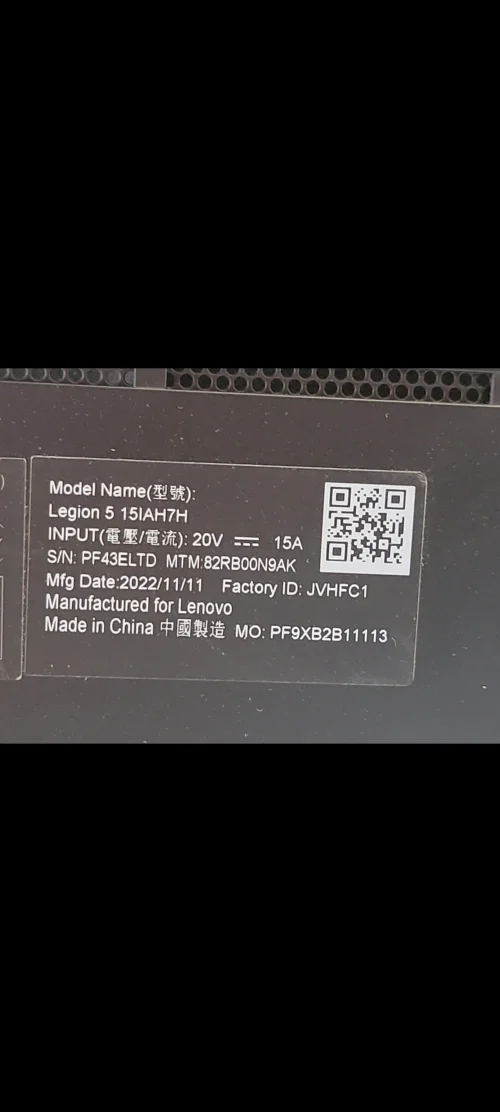
Legion 5 15IAH7H Laptop (Lenovo) - Type 82RB NM-E231
CLEAN ME BIOS 8MB
16MB BIOS
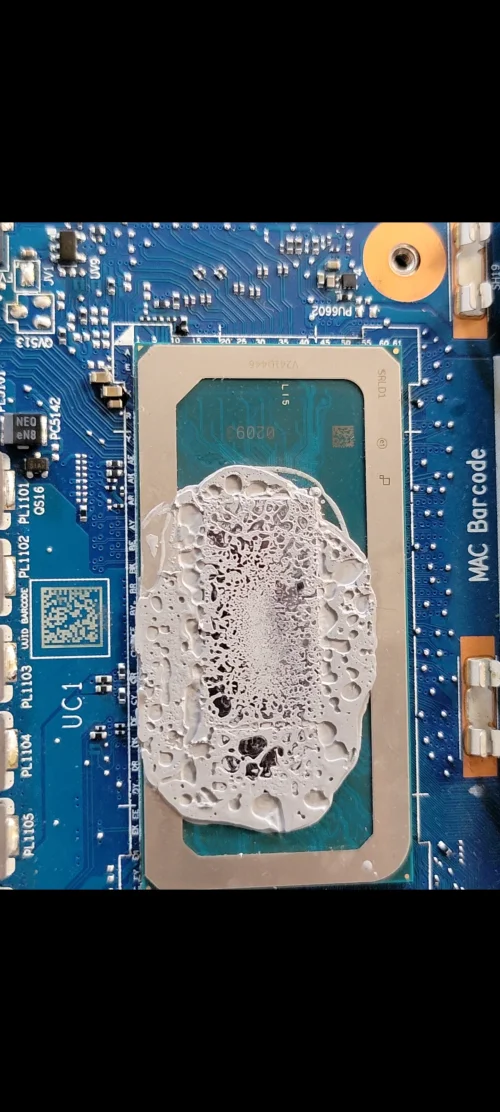
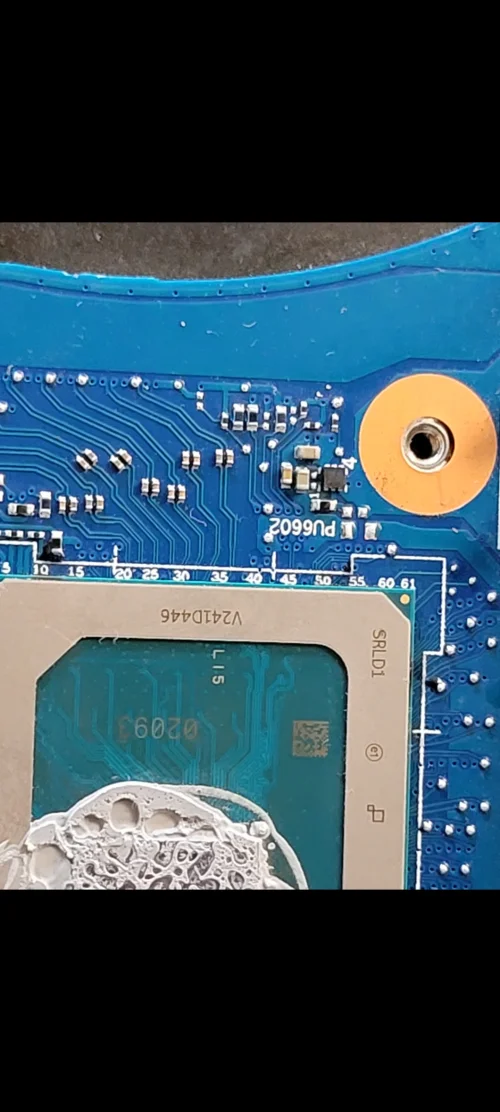
SRLD1 (Intel Core i7-12700H)
BIOS VER J2CN57WW
EC ITE 256KB
TESTED IMRANROMI
Lenovo Legion5 Pro - 16IAH7H - NM-E231 REVA0 – 1738141831394Lenovo Legion5 Pro - 16IAH7H - NM-E231 REVA0 – 1738141843691
 

Attachments


Last edited by a moderator:
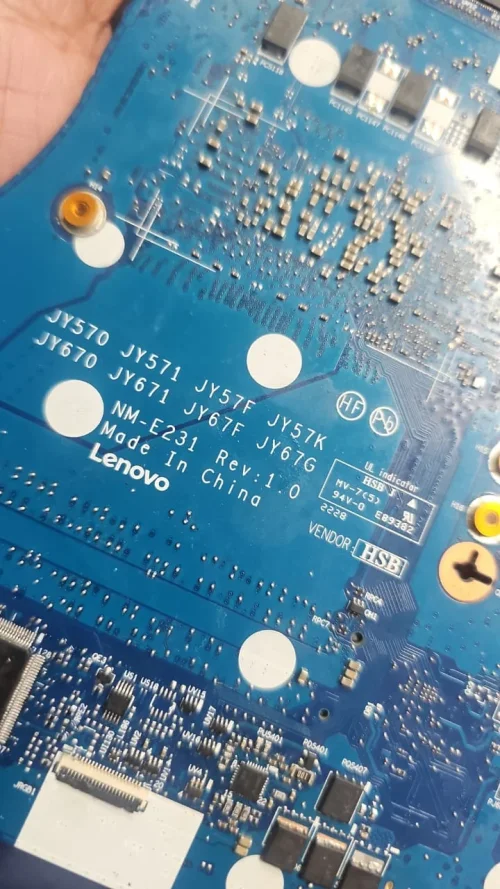
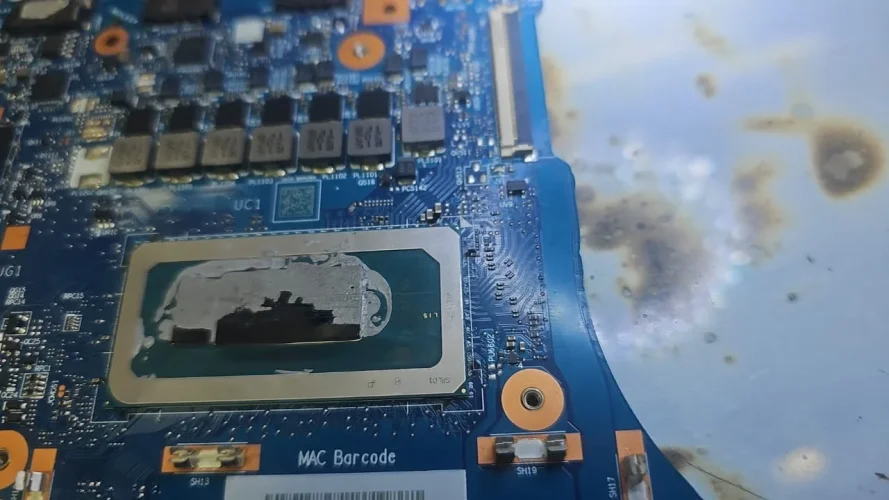
LENOVO Legion 5 PRO 16IAH7H NM-E231 REV 1.0 PAY SCAN
LENOVO Legion 5 PRO 16IAH7H
NM-E231 REV 1.0
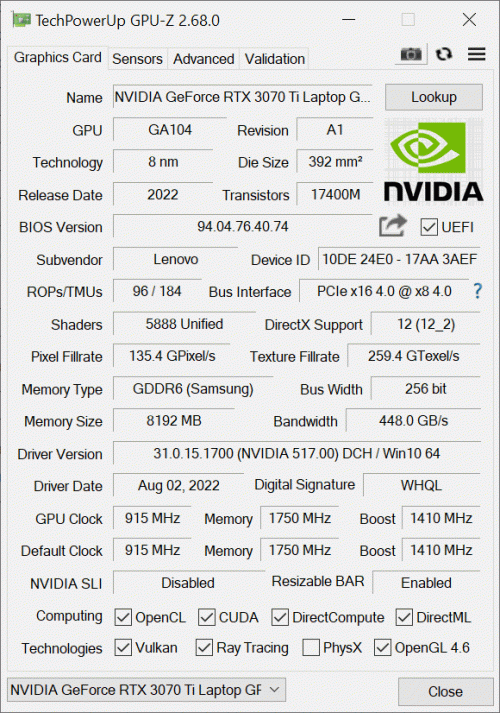
GN20-E6-A1 RTX3070Ti
SRLD1 (Intel Core i7-12700H)
IT8227-256
 

Attachments

HD_PICTURE_NM-E231_REV_1.zip
19.6 MB · Views: 18

Hi,
Today I downloaded and tried to flash the firmware for the Legion 5 16IAH7H NM-E231 from you, but unfortunately, it didn't solve my issues.
Specifically, after an official update, the keyboard stopped working altogether. Additionally, when I try to shut down the laptop, the screen goes black, but the fans immediately start spinning at maximum speed.
I analyzed the original BIOS dump and found that the ME region version is 16.1.35.2557. I tried to clean the ME region myself, but due to severe corruption, Intel FIT (MFIT) refuses to open the firmware file.
Could you please advise on what to do or help me fix/clean the original dump?
Thank you!
Send old bios
With all information like
Serial number
 

Attachments


Really Sorry bro My mistake wrong file upload
I can adjust the file above post number 11 try now and update
Hello again.

I tried your firmware, but unfortunately, it didn't help. The issues with the non-working keyboard and audio are still there. Do you have any ideas on what else could be wrong? Maybe I need to replace the BIOS chips themselves?

Thanks
 
Hello again.

I tried your firmware, but unfortunately, it didn't help. The issues with the non-working keyboard and audio are still there. Do you have any ideas on what else could be wrong? Maybe I need to replace the BIOS chips themselves?

Thanks
its mean not issue the bios related maybe change the chip and try again
Display come or not
 
PLZ. I need the Factory Image files of bios for this device, the original old version. I deleted them.
Lenovo Legion5 Pro - 16IAH7H - NM-E231 REVA0 – Screenshot_20260701_154518_GalleryLenovo Legion5 Pro - 16IAH7H - NM-E231 REVA0 – Screenshot_20260701_154515_GalleryLenovo Legion5 Pro - 16IAH7H - NM-E231 REVA0 – Screenshot_20260701_154511_GalleryLenovo Legion5 Pro - 16IAH7H - NM-E231 REVA0 – Screenshot_20260701_154507_GalleryLenovo Legion5 Pro - 16IAH7H - NM-E231 REVA0 – Screenshot_20260701_154457_Gallery
 
Last edited by a moderator:
This is a display, but when you turn it off in Windows, the display turns off, but the power button and fans remain on. The device only turns off when the power button is pressed.
 
This is a display, but when you turn it off in Windows, the display turns off, but the power button and fans remain on. The device only turns off when the power button is pressed.
Check motherboard most probably the problem is with wifi card or wifi slot in this condition
 

Make PKBIOSFIX part of your bench.

Professional resources. Shared experience. A stronger repair community.

Explore PRO
Back
Top