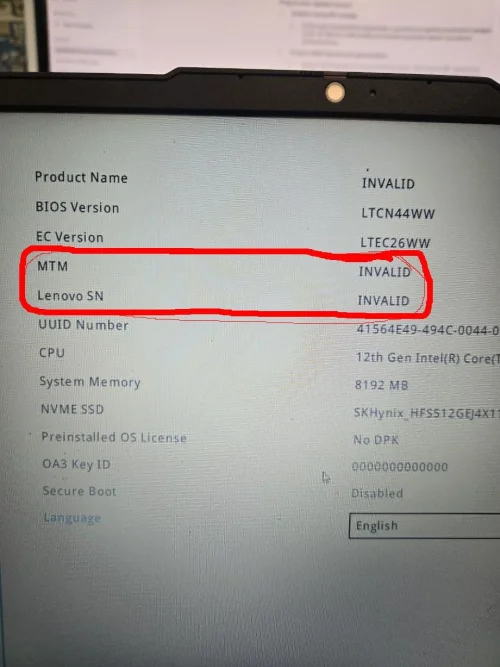
probably problem with bios...The hard drive is visible in BIOS , but it does not appear in the boot menu and does not boot the operating system.
I atach both old bios...plz help urgently
I atach both old bios...plz help urgently
About this board
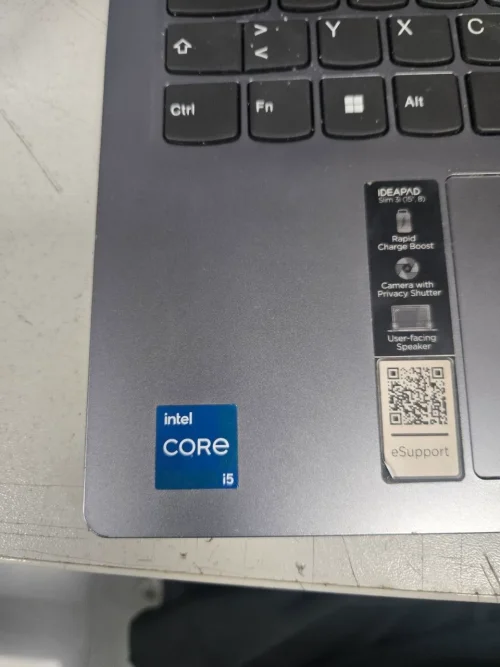
Files for the Lenovo Ideapad slim 3 15IAH8 motherboard.
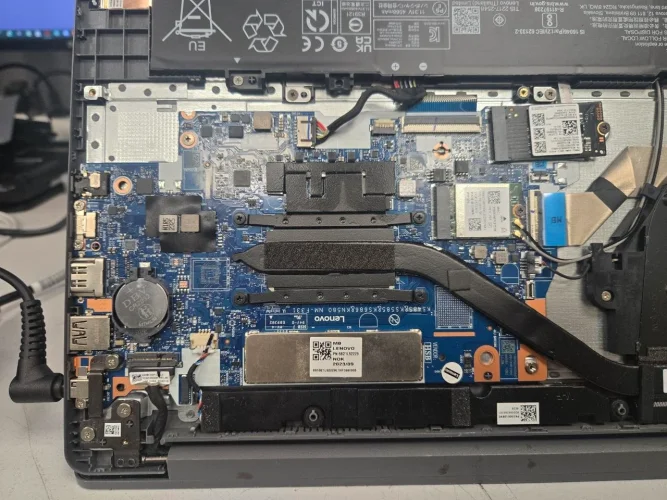
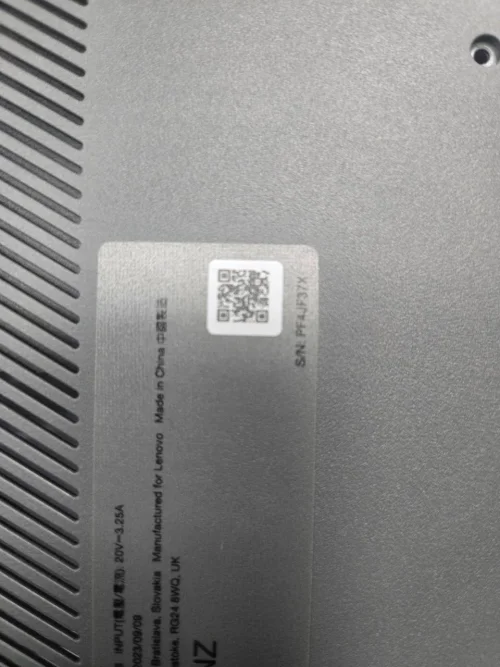
Compare the board number printed on the PCB (near the RAM slots or under the battery) with the files before you flash.
Files usually needed for this board
- BIOS (full SPI chip dump, .bin)
- EC / KBC firmware, if the board uses a separate EC chip
- Schematic (PDF)
- Boardview (.brd / .bdv / .cad)
Common cases: dead board after an interrupted BIOS update, ME region errors, missing serial number or UUID after a board swap, or a password lock.
Back up the original dump first — it contains machine-specific data (serial, UUID, MAC, ME), and you will want it if anything goes wrong.
If you have a working file for this board, please share it below. More files: search Lenovo Ideapad slim 3 15IAH8 in File Finder.
Attachments
GD25R64E@SOP8.BIN
8 MB · Views: 8
8 MB · Views: 8
W25Q128JV@SOIC8.BIN
16 MB · Views: 8
16 MB · Views: 8