A community for the repair bench. Since 2022.LAPTOP + DESKTOP BOARD REPAIR
Advertisement
EC / KBC BIOS Unlock Service Unlock MEC17xx, Nuvoton, ITE using BIOS patch BIOS patch · Private check · Verified owners and repair technicians MEC17xxNuvotonITE

LENOVO Lenovo Ideapad slim 3 15IAH8

Laptops and Desktop Bios, Schematic and Boardview Files And Repairing Discussion
Search files by board code
Browse all 32,532 files →
probably problem with bios...The hard drive is visible in BIOS , but it does not appear in the boot menu and does not boot the operating system.
I atach both old bios...plz help urgently
 
About this board

Files for the Lenovo Ideapad slim 3 15IAH8 motherboard.

Compare the board number printed on the PCB (near the RAM slots or under the battery) with the files before you flash.

Files usually needed for this board
  • BIOS (full SPI chip dump, .bin)
  • EC / KBC firmware, if the board uses a separate EC chip
  • Schematic (PDF)
  • Boardview (.brd / .bdv / .cad)

Common cases: dead board after an interrupted BIOS update, ME region errors, missing serial number or UUID after a board swap, or a password lock.

Back up the original dump first — it contains machine-specific data (serial, UUID, MAC, ME), and you will want it if anything goes wrong.

If you have a working file for this board, please share it below. More files: search Lenovo Ideapad slim 3 15IAH8 in File Finder.

Attachments
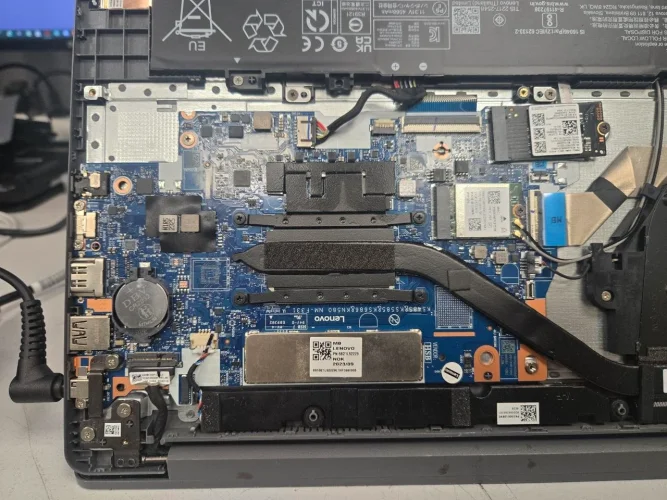
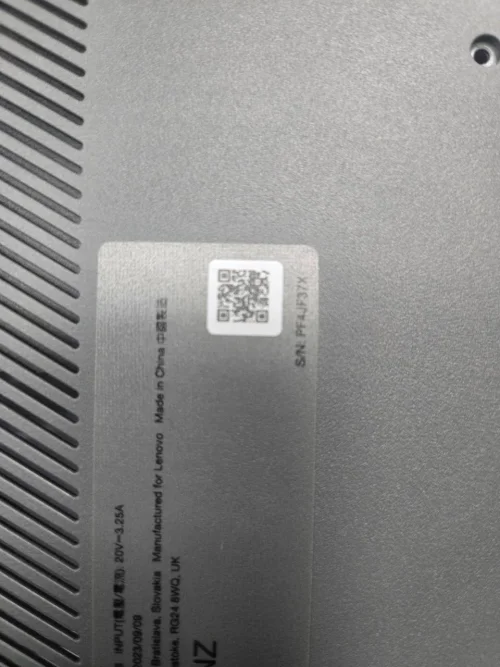
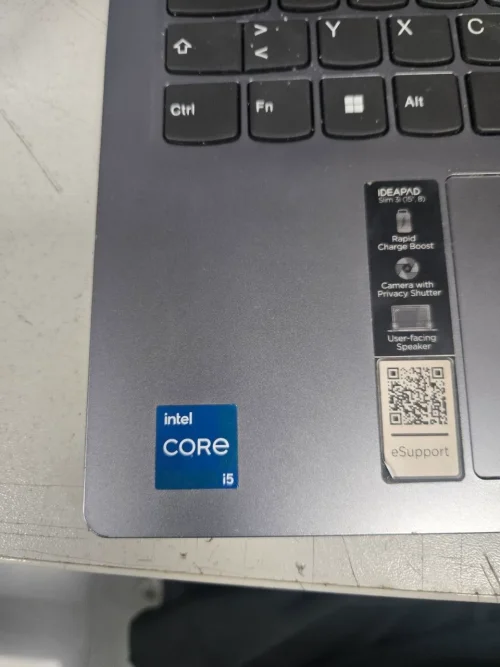
Lenovo Ideapad slim 3 15IAH8 – photo_2026-09-09_18-25-47 Lenovo Ideapad slim 3 15IAH8 – photo_2026-09-09_18-25-54 Lenovo Ideapad slim 3 15IAH8 – photo_2026-09-09_18-25-57
GD25R64E@SOP8.BIN
8 MB · Views: 8

W25Q128JV@SOIC8.BIN
16 MB · Views: 8

Lenovo Ideapad slim 3 15IAH8 NM-F331
8MB +16MB CLEAN ME
Fixed SSD Not Detect
Factory Bios Image
Tested by pkbios
"Now it's fine, it detects the HDD and boots the operating system, but what happens is when it gets turned off overnight, in the morning nothing responds until I remove both the main battery and the BIOS battery. After that, it turns on... and it's like this every time: when it's turned off, the next day it can't be turned on until I perform the procedure I previously explained."
 
"Now it's fine, it detects the HDD and boots the operating system, but what happens is when it gets turned off overnight, in the morning nothing responds until I remove both the main battery and the BIOS battery. After that, it turns on... and it's like this every time: when it's turned off, the next day it can't be turned on until I perform the procedure I previously explained."
Check motherboard this is not bios related problem.
Check rtc section and rtc crystle on the motherboard.
 
Check motherboard this is not bios related problem.
Check rtc section and rtc crystle on the motherboard.

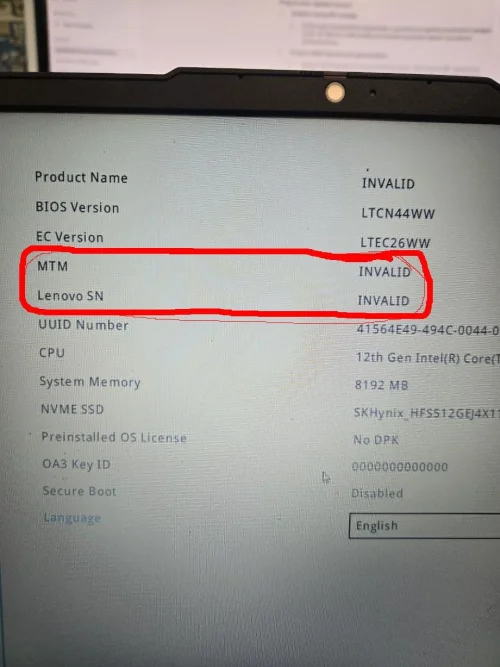
The BIOS version is LTCN44WW, but the Product Name, MTM, and Lenovo SN are all showing as INVALID.

Can you help me write in these missing data in the BIOS that are currently showing as invalid?
 

Attachments

Lenovo Ideapad slim 3 15IAH8 – BIOS lenovo

Make PKBIOSFIX part of your bench.

Professional resources. Shared experience. A stronger repair community.

Explore PRO
Back
Top