Welcome!

By registering with us, you'll be able to discuss, share and private message with other members of our community.

SignUp Now!

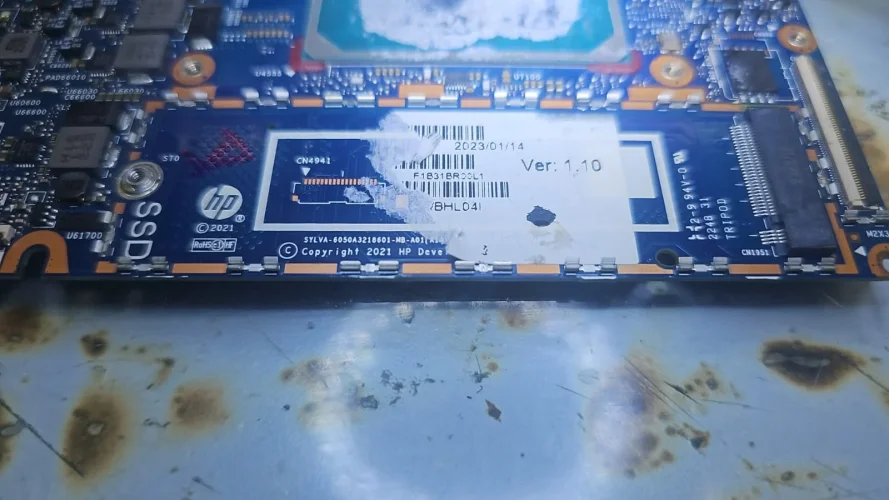
BIOS HP Elite Dragonfly G2 SYLVA 6050A3218601-MB-A01

Laptops and Desktop Bios, Schematic and Boardview Files And Repairing Discussion
HP Elite Dragonfly G2 Notebook PC RCTO Base Model
6050a3218601-mb-a01
CLEAN ME BIOS U367A
EC BIOS U366
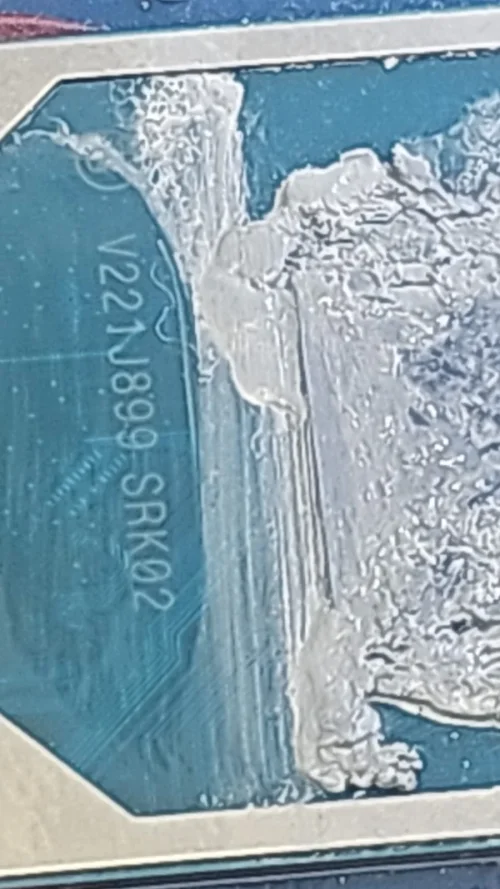
SRK02 (Intel Core i7-1165G7)
BIOS VER T90
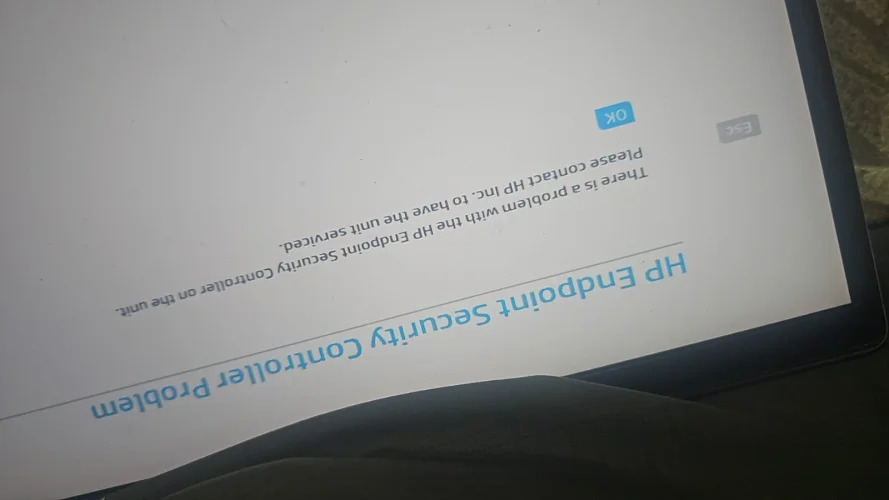
FIXED END POINT ERROR
TESTED IMRANROMI
1732879833020.webp1732879833052.webp
 

Attachments


Last edited by a moderator:
Hello everyone!

I need help rebuilding a working BIOS (Main + EC) with Clean ME for an HP Elite Dragonfly G2.

The problem:The original dump is completely lost/dead. I tried flashing a few dumps found online (for the same platform), but the board powers on, fans spin, and it hangs on memory initialization (eventually gives 7 Caps Lock blinks - Sure Start error). I strongly suspect a RAM brand mismatch, as the dumps were likely from Micron/Hynix boards, while my board has Samsung memory soldered.

Could someone please build a proper dump for my specific configuration?

Device details:

  • Model: HP Elite Dragonfly G2
  • Motherboard: 6050A3218601-MB-A01
  • CPU: [Intel Core i5-1135G7]
  • RAM: 16GB LPDDR4X (Samsung chips)
DMI Data (from the bottom cover sticker):

  • ProdID: 3C8E6EA#ACB
  • SN#: 5CG1122CQC
  • Build ID: 21WWSVAT602#SACB#DACB
  • Feature Byte: 3X476J6S6b7B7H7M7R7W7m7saBapaqauawbUbVcAd6dUdpdqeMfAfPguhKhZjhk8mEmVmwnangYt
Any help would be greatly appreciated. Thank you in advance!
 
Hello everyone!

I need help rebuilding a working BIOS (Main + EC) with Clean ME for an HP Elite Dragonfly G2.

The problem:The original dump is completely lost/dead. I tried flashing a few dumps found online (for the same platform), but the board powers on, fans spin, and it hangs on memory initialization (eventually gives 7 Caps Lock blinks - Sure Start error). I strongly suspect a RAM brand mismatch, as the dumps were likely from Micron/Hynix boards, while my board has Samsung memory soldered.

Could someone please build a proper dump for my specific configuration?

Device details:

  • Model: HP Elite Dragonfly G2
  • Motherboard: 6050A3218601-MB-A01
  • CPU: [Intel Core i5-1135G7]
  • RAM: 16GB LPDDR4X (Samsung chips)
DMI Data (from the bottom cover sticker):

  • ProdID: 3C8E6EA#ACB
  • SN#: 5CG1122CQC
  • Build ID: 21WWSVAT602#SACB#DACB
  • Feature Byte: 3X476J6S6b7B7H7M7R7W7m7saBapaqauawbUbVcAd6dUdpdqeMfAfPguhKhZjhk8mEmVmwnangYt
Any help would be greatly appreciated. Thank you in advance!
Upload both bios files with this error
 
Here are the two files I used.

An important detail: the very first time I flashed them, the board actually initialized normally and even successfully booted into Windows! But right after the first reboot, it refused to post and started giving the 7 Caps Lock blinks error (Sure Start protection tripped).

I have attached the archive with the files. Thank you!
 

Attachments


Here are the two files I used.

An important detail: the very first time I flashed them, the board actually initialized normally and even successfully booted into Windows! But right after the first reboot, it refused to post and started giving the 7 Caps Lock blinks error (Sure Start protection tripped).

I have attached the archive with the files. Thank you!
Use ec old org
 

Attachments

builds+cleanme.rar
13.2 MB · Views: 3

Use ec old org
I'm really sorry, but I don't have the original backup for the EC (U366) either. The laptop actually came to me in this condition — it had already been flashed by someone else with a wrong/foreign dump before I even got my hands on it.

Could you please provide a matching EC dump for the main BIOS you just built? Thank you so much for your help!
 
I'm really sorry, but I don't have the original backup for the EC (U366) either. The laptop actually came to me in this condition — it had already been flashed by someone else with a wrong/foreign dump before I even got my hands on it.

Could you please provide a matching EC dump for the main BIOS you just built? Thank you so much for your help!
 

Attachments

HP Elite Dragonfly G2 EC.rar
8.4 MB · Views: 3

Thank you for the files! I flashed both the EC and the Main BIOS you provided. The behavior has changed.

Now the laptop powers on, the fans start spinning, but then it gives a diagnostic code: 2 long and 2 short beeps (with corresponding caps lock blinks).

As far as I know, this HP code indicates a corrupted Main BIOS (DXE region) and a failed recovery attempt. The EC seems to be alive and working now, but it's rejecting the Main BIOS. Could there be an issue with the BootGuard/ME region in the main build?
 
Thank you for the files! I flashed both the EC and the Main BIOS you provided. The behavior has changed.

Now the laptop powers on, the fans start spinning, but then it gives a diagnostic code: 2 long and 2 short beeps (with corresponding caps lock blinks).

As far as I know, this HP code indicates a corrupted Main BIOS (DXE region) and a failed recovery attempt. The EC seems to be alive and working now, but it's rejecting the Main BIOS. Could there be an issue with the BootGuard/ME region in the main build?
Write these both on same time main and ec
 

Attachments

bbb.rar
13.2 MB · Views: 2

ec.bin
32 MB · Views: 2

Write these both on same time main and ec
Hello! I tried to flash the ec.bin you provided into the U366 chip, but the writing process completes in less than 1 second, which is abnormally fast and physically impossible for my programmer (CH341A).

After this flash, the motherboard is completely dead — no charging indicator, no fan spin, and absolutely zero reaction to the power button. It seems the EC chip is basically empty or not written properly.

Could you please check the ec.bin file? Is it possible the file is corrupted, empty, or has the wrong size? (The Main BIOS from bbb.rar flashed normally into U367A taking the usual amount of time).
 
Hello! I tried to flash the ec.bin you provided into the U366 chip, but the writing process completes in less than 1 second, which is abnormally fast and physically impossible for my programmer (CH341A).

After this flash, the motherboard is completely dead — no charging indicator, no fan spin, and absolutely zero reaction to the power button. It seems the EC chip is basically empty or not written properly.

Could you please check the ec.bin file? Is it possible the file is corrupted, empty, or has the wrong size? (The Main BIOS from bbb.rar flashed normally into U367A taking the usual amount of time).
Try these both on same time
 

Attachments

EC FIXED.rar
9.1 MB · Views: 2

MAIN FIXED.rar
13.2 MB · Views: 2

Try these both on same time
The files flashed perfectly (both chips detected and written successfully). Thank you!

However, the laptop is still not posting. Current behavior:- It powers on and the fans spin continuously.- The screen remains black.- There are absolutely NO Caps Lock blinks or beep codes anymore. It just hangs with the fans spinning.

In my original post, I mentioned that my board has Samsung LPDDR4X memory soldered. Is it possible that the base dumps you used are configured for Micron/Hynix, and the board is halting at memory initialization? Could you please check or inject the Samsung RAM profile into the Main BIOS?
 
The files flashed perfectly (both chips detected and written successfully). Thank you!

However, the laptop is still not posting. Current behavior:- It powers on and the fans spin continuously.- The screen remains black.- There are absolutely NO Caps Lock blinks or beep codes anymore. It just hangs with the fans spinning.

In my original post, I mentioned that my board has Samsung LPDDR4X memory soldered. Is it possible that the base dumps you used are configured for Micron/Hynix, and the board is halting at memory initialization? Could you please check or inject the Samsung RAM profile into the Main BIOS?
Nope this is not like that you're thinking. Well i have build 2 diffrent types of bios for you and still there is no progress but behavior is changed. So now you have to check the motherboard. The problem is not related to bios
 
Back
Top