A community for the repair bench. Since 2022.LAPTOP + DESKTOP BOARD REPAIR
Advertisement
Service · EC / KBC unlock Unlock MEC17xx, Nuvoton & ITE with a BIOS patch
  • BIOS patch method
  • Private check
  • For verified owners & repair technicians
Chat on WhatsApp +92 328 0493988 · Replies on WhatsApp
Service · Dell BIOS password Dell master BIOS codes from your System Number
  • Suffixes 8FC8 CF1B 3FE2 9ABE 1B58 E7A8
  • Private check
  • For verified owners & repair technicians
Chat on WhatsApp +92 328 0493988 · Replies on WhatsApp

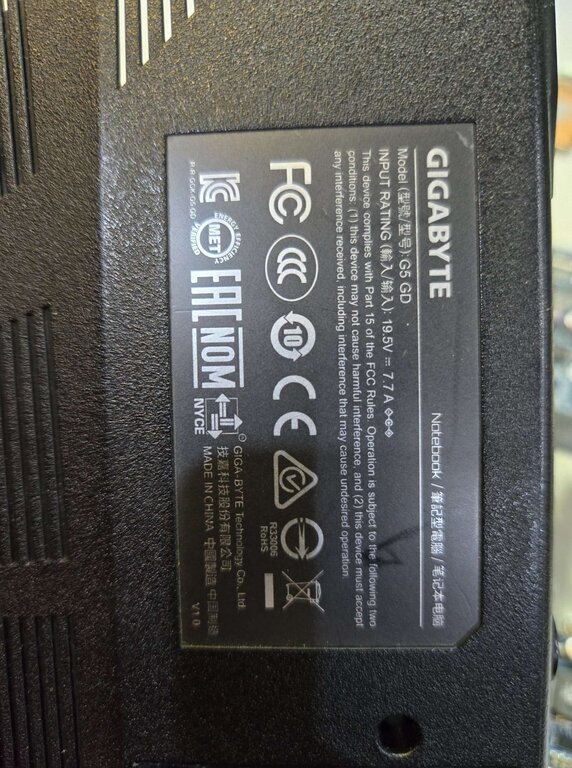
BIOS GIGABYTE G5 GD

Laptops and Desktop Bios, Schematic and Boardview Files And Repairing Discussion
Search files by board code
Browse all 33,078 files →

SRKT1 (Intel Core i5-11400H)​


problem is not charging battery,only power on on battery.

maybe bios corrupt? need new bios file
 
About this board

This thread is for the Gigabyte G5 GD.

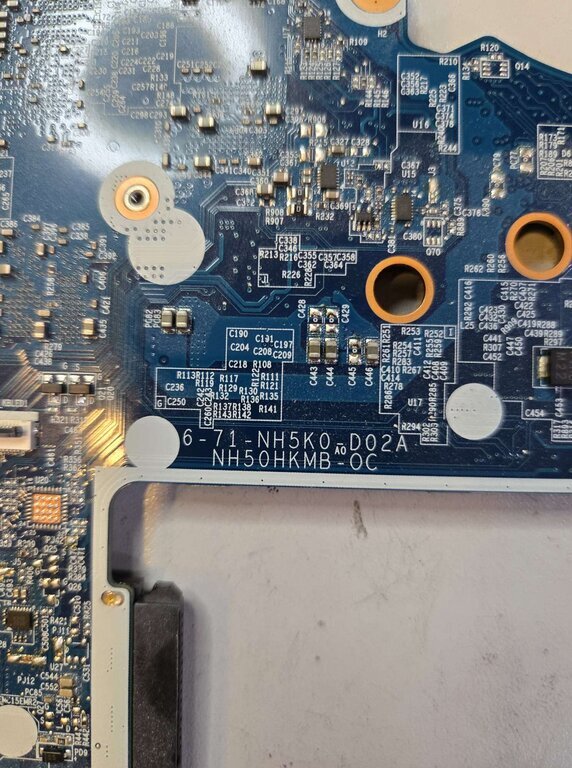
Compare the board number printed on the PCB (between the PCIe slots or near the CPU socket) with the files before you flash.

Files usually needed for this board
  • BIOS (full SPI chip dump, .bin)
  • Schematic (PDF)
  • Boardview (.brd / .bdv / .cad)

Typical reasons to reflash: no POST after a failed BIOS update, a corrupted BIOS chip after a power cut, or a board that powers on with no display.

Back up the original dump first — it contains machine-specific data (serial, UUID, MAC, ME), and you will want it if anything goes wrong.

If you have a working file for this board, please share it below. More files: search Gigabyte G5 GD in File Finder.

Attachments
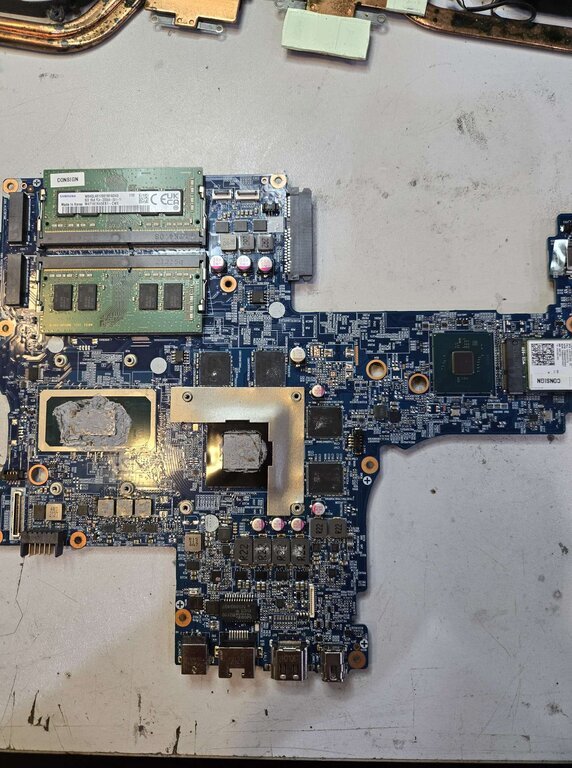
GIGABYTE     G5 GD – 1726491960773.JPEG GIGABYTE     G5 GD – 1726491961089.JPEG GIGABYTE     G5 GD – 1726491961328.JPEG

Make PKBIOSFIX part of your bench.

Professional resources. Shared experience. A stronger repair community.

Explore PRO
Back
Top