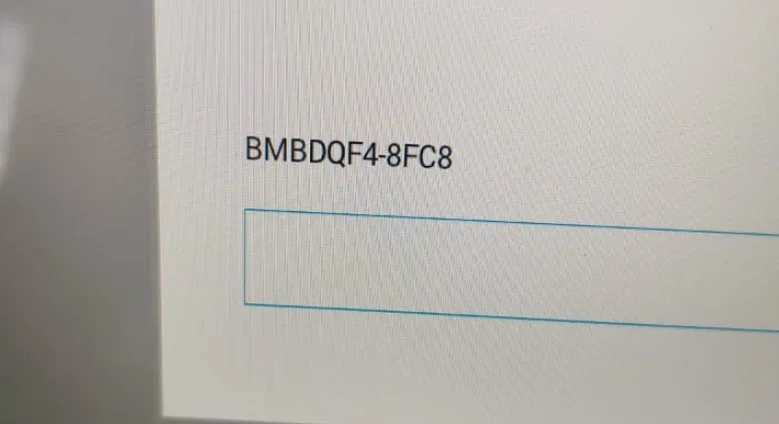
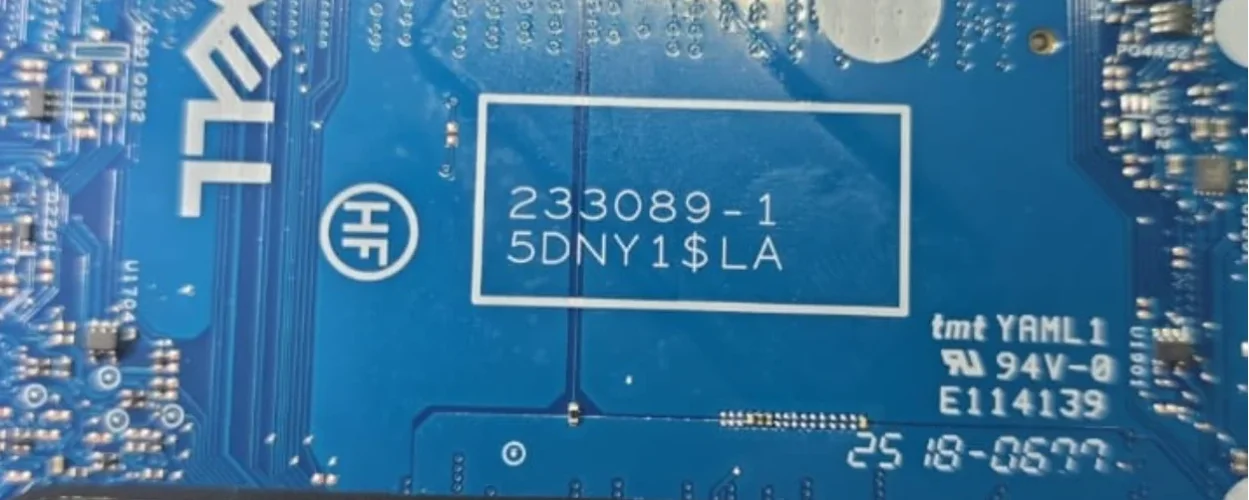
Dell Pro 14 PC14250 233089-1
Bios
Bios
About this board
This thread is for the Dell Pro 14 PC14250 with main board 233089-1.
Dell had this board built by Wistron; Wistron board numbers are 5–6 digits plus a revision. Check the number printed on the PCB before you download.
Files usually needed for this board
- BIOS (full SPI chip dump, .bin)
- EC / KBC firmware, if the board uses a separate EC chip
- Schematic (PDF)
- Boardview (.brd / .bdv / .cad)
Usually needed when the laptop powers on with a black screen after a BIOS update, is stuck in a boot loop, or is locked with a BIOS password.
Before flashing, always read and save the original chip. It holds the serial number, UUID, MAC address and ME data for that exact machine.
Have a tested file for 233089-1? Reply below and help the next technician. Looking for something else? Search all files in the File Finder.
Attachments
Dell Pro 14 PC14250 233089-1.rar
13.6 MB · Views: 25
13.6 MB · Views: 25