
Pleaze fix this old orginal bios no display
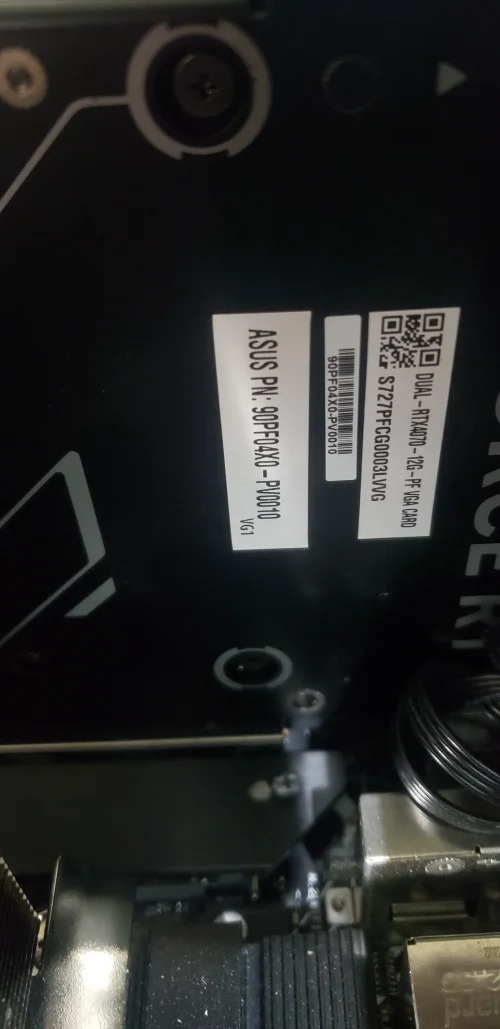
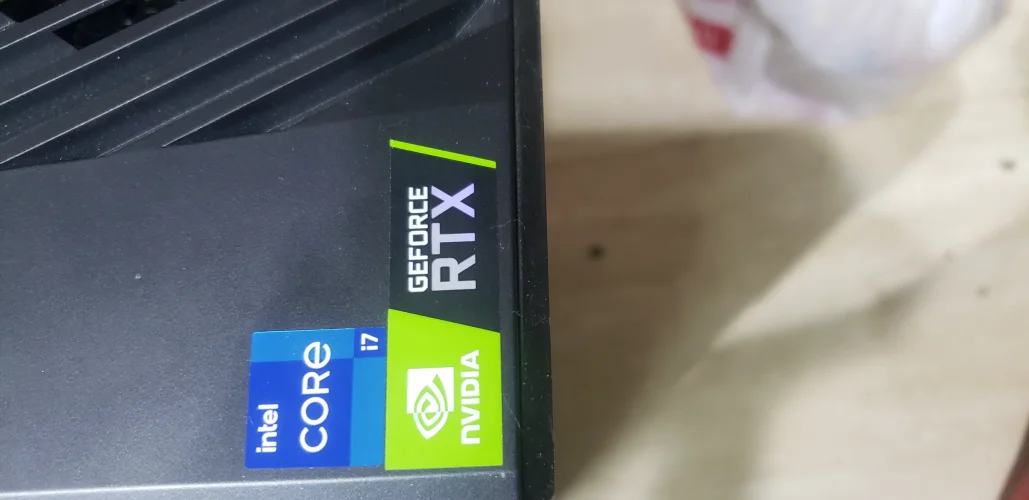
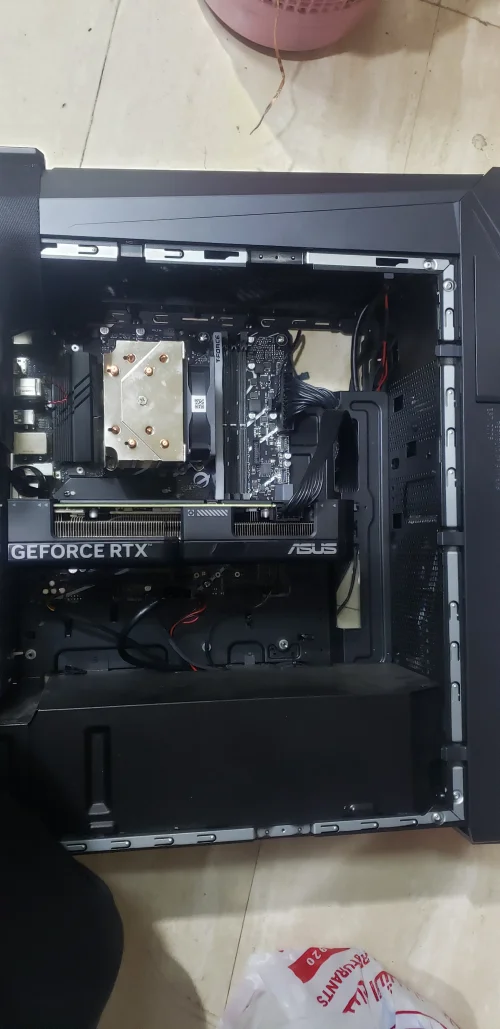
i7-14th with RTX4070 12Giga
i7-14th with RTX4070 12Giga
About this board
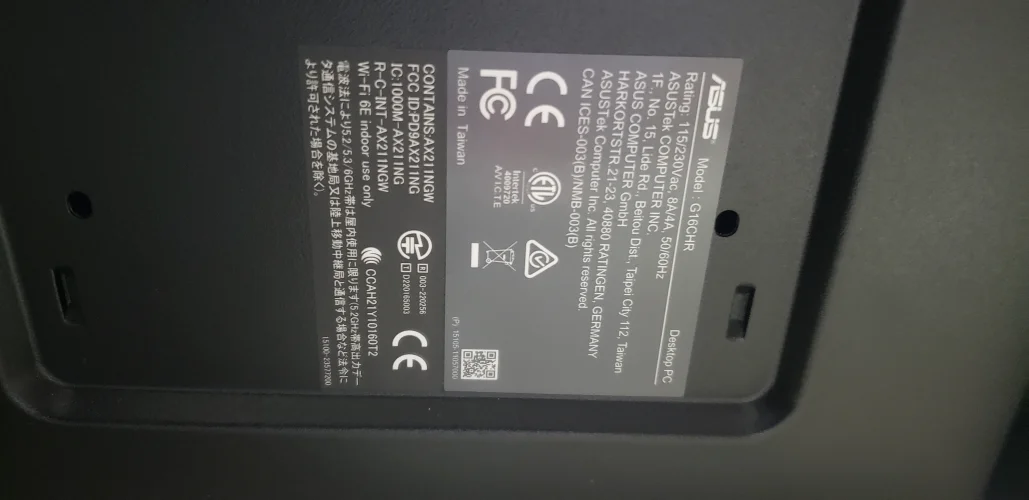
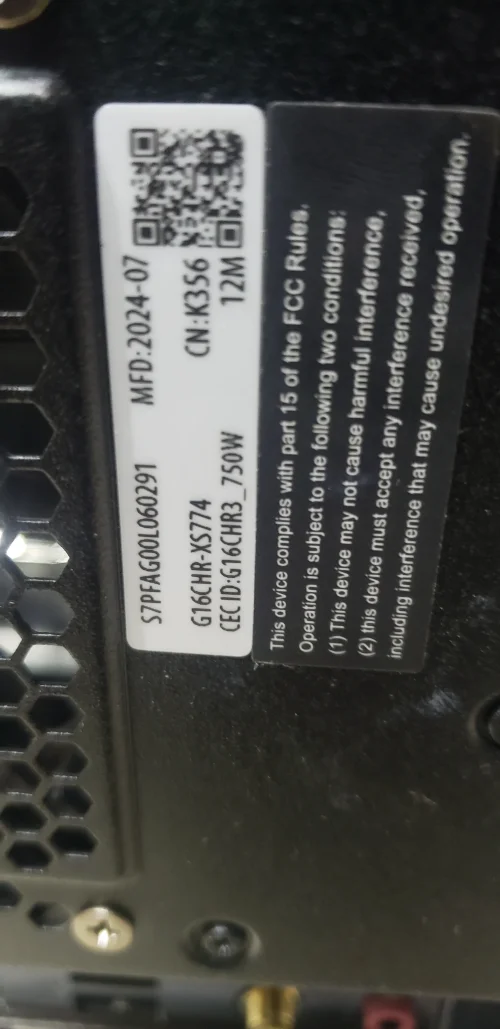
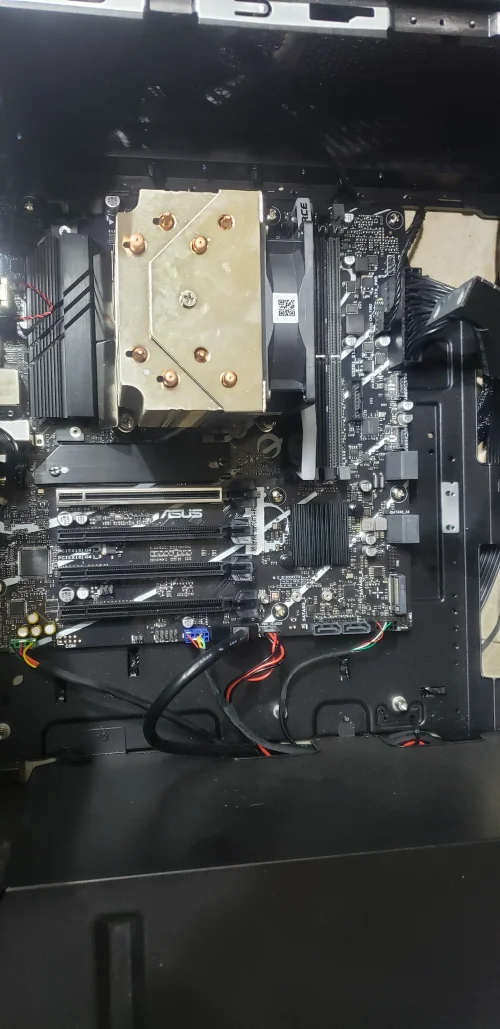
Files for the Asus PC gaming G16CHR motherboard.
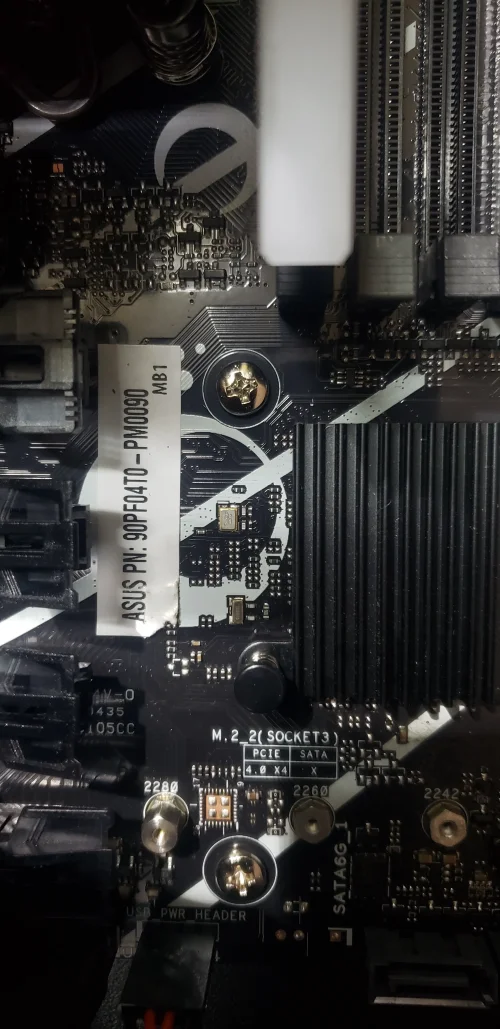
Compare the board number printed on the PCB (near the RAM slots or under the battery) with the files before you flash.
Files usually needed for this board
- BIOS (full SPI chip dump, .bin)
- EC / KBC firmware, if the board uses a separate EC chip
- Schematic (PDF)
- Boardview (.brd / .bdv / .cad)
Typical reasons to reflash: no power or no display after a failed BIOS update, a BIOS/supervisor password lock, or a corrupted Intel ME region.
Back up the original dump first — it contains machine-specific data (serial, UUID, MAC, ME), and you will want it if anything goes wrong.
If you have a working file for this board, please share it below. More files: search Asus PC gaming G16CHR in File Finder.
Attachments
Asus G16CHR OLD GD25Q128B@WSON8_20250710_3637.rar
8.7 MB · Views: 10
8.7 MB · Views: 10


