Hi!
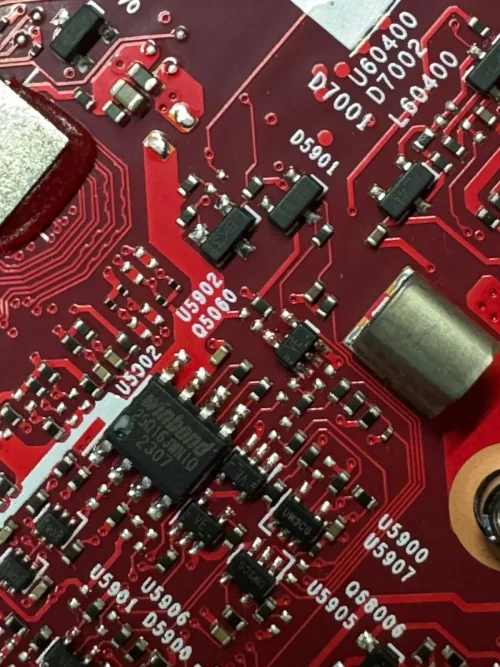
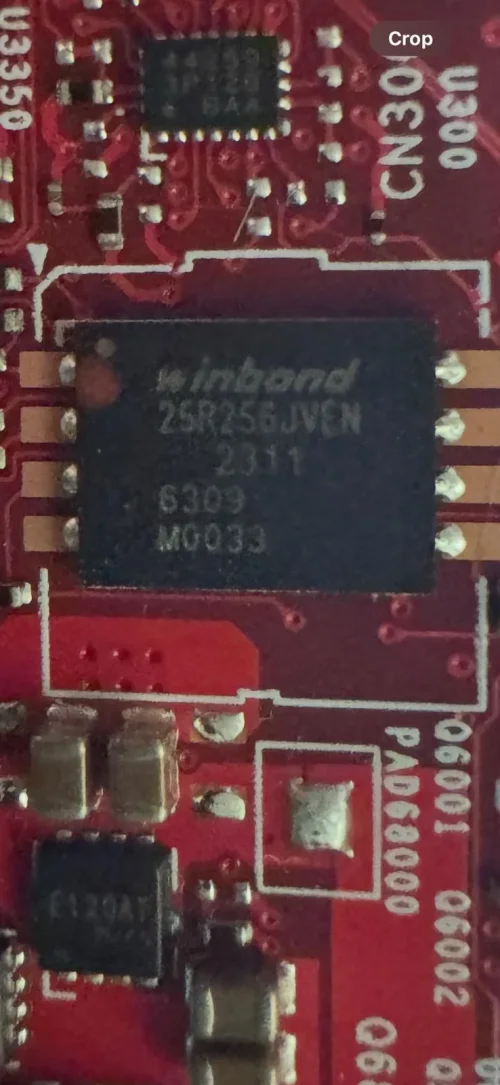
Yesterday I found unlocked BIOS password firmware for this type of notebook (ASUS ROG Zephyrus G16 GU603ZI-NEBULA010), and I flashed it on the chip (Winbond 25Q16JWNIQ) via CH340 programmer, but maybe I flashed it on the wrong chip. (this is the second smaller chip on the motherboard, not the big one, which is 25R256JVEN) and now I just got a black screen (before flashing the notebook asked the bios password).
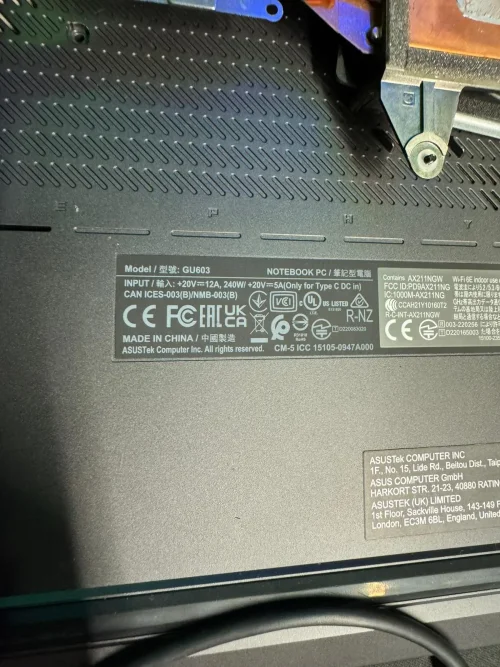
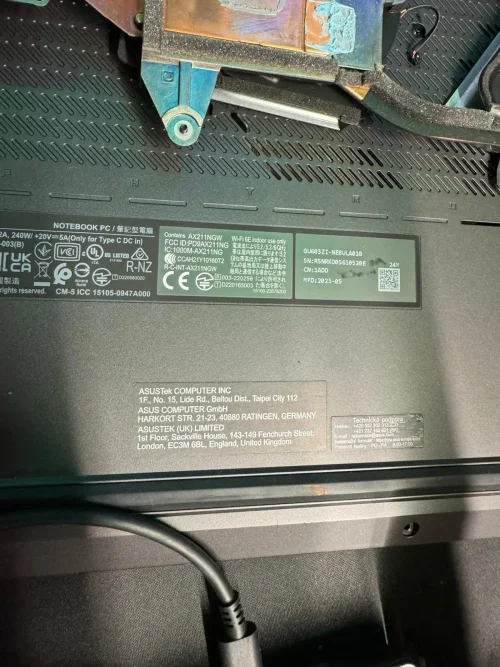
I attached photos.
How can I solve this problem ? Because I found the firmware only for the main BIOS chip 25R256JVEN and not for the 25Q16JWNIQ.
Thank you for the response.
Best regards, Robert
Yesterday I found unlocked BIOS password firmware for this type of notebook (ASUS ROG Zephyrus G16 GU603ZI-NEBULA010), and I flashed it on the chip (Winbond 25Q16JWNIQ) via CH340 programmer, but maybe I flashed it on the wrong chip. (this is the second smaller chip on the motherboard, not the big one, which is 25R256JVEN) and now I just got a black screen (before flashing the notebook asked the bios password).
I attached photos.
How can I solve this problem ? Because I found the firmware only for the main BIOS chip 25R256JVEN and not for the 25Q16JWNIQ.
Thank you for the response.
Best regards, Robert
About this board
Files for the Asus GU603ZI-NEBULA010 motherboard.
Compare the board number printed on the PCB (near the RAM slots or under the battery) with the files before you flash.
Files listed for this board
- BIOS (full SPI chip dump, .bin)
Typical reasons to reflash: no power or no display after a failed BIOS update, a BIOS/supervisor password lock, or a corrupted Intel ME region.
Before flashing, always read and save the original chip. It holds the serial number, UUID, MAC address and ME data for that exact machine.
Have a tested file for this board? Reply below and help the next technician. Looking for something else? Search all files in the File Finder.
Attachments