
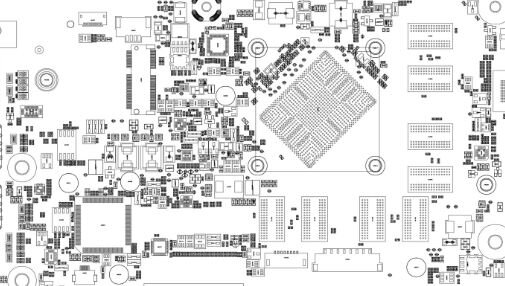
 Acer Swift SF113-31
AS3EA_UMA REV 2.1 Swift 1 SF113-31 Pegatron AS3EA Armani r2.0 Boardview, Schematics
BIOS BIN 1.05
About this board
This thread is for the Acer Swift SF113-31 AS3EA UMA.
Compare the board number printed on the PCB (near the RAM slots or under the battery) with the files before you flash. Board revision: 2.1. Match the revision as well as the board number.
From the title: integrated (UMA) graphics.
What this thread covers
- BIOS (full SPI chip dump, .bin)
- Schematic (PDF)
Typical reasons to reflash: no power or no display after a failed BIOS update, a BIOS/supervisor password lock, or a corrupted Intel ME region.
Back up the original dump first — it contains machine-specific data (serial, UUID, MAC, ME), and you will want it if anything goes wrong.
If you have a working file for this board, please share it below. More files: search Acer Swift SF113-31 AS3EA UMA in File Finder.
Attachments
Swift 1 SF113-31 Pegatron AS3EA Armani r2.0 Schematic.pdf
3.2 MB · Views: 14
3.2 MB · Views: 14
Acer g1-as3ea_uma Boardview.pdf
2.2 MB · Views: 16
2.2 MB · Views: 16
V 1.05 BIOS.bin.zip
3.5 MB · Views: 14
3.5 MB · Views: 14
EC_KB9052.bin.zip
58.8 KB · Views: 13
58.8 KB · Views: 13


